
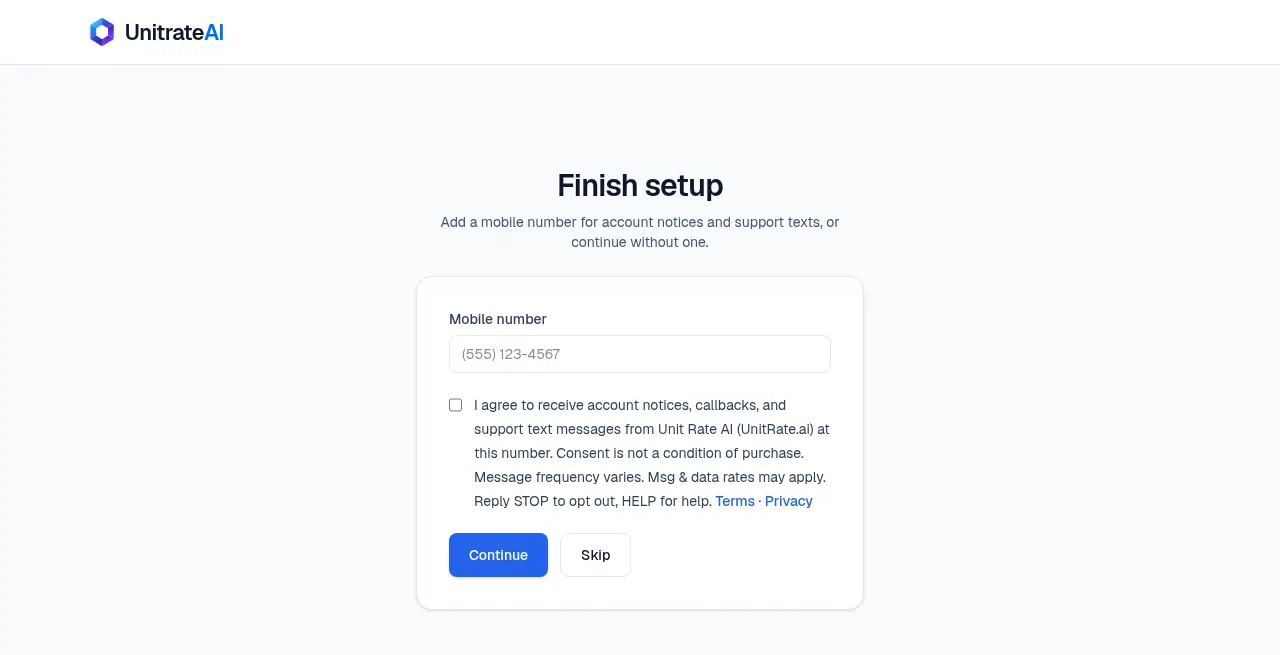
Users sign up at https://www.unitrate.ai/signup (email or Google). Immediately after signup, every new account sees the Finish setup step below, once. It has an optional mobile number field and an unchecked consent checkbox. Users can Continue or Skip. Shown here without login for carrier review. This demo form does not submit or save anything.
Finish setup
Add a mobile number for account notices and support texts, or continue without one.
Screenshot of the live Finish setup screen
How opt-in works
- New Unit Rate AI accounts see this step once, right after signup by email or Google at UnitRate.ai. People who already have an account can opt in from Profile.
- The mobile number and the checkbox are optional. Skip is always available.
- Consent is never a condition of purchase.
- Messages are sent from (817) 635-2582. Unit Rate AI does not send marketing texts.
- Message frequency varies. Message and data rates may apply.
- Reply STOP to opt out. Reply HELP for help.
- Terms · Privacy
Contact: kyle@unitrate.ai, UNIT RATE AI LLC, 5136 Raven Oaks Dr, Omaha, NE 68152.